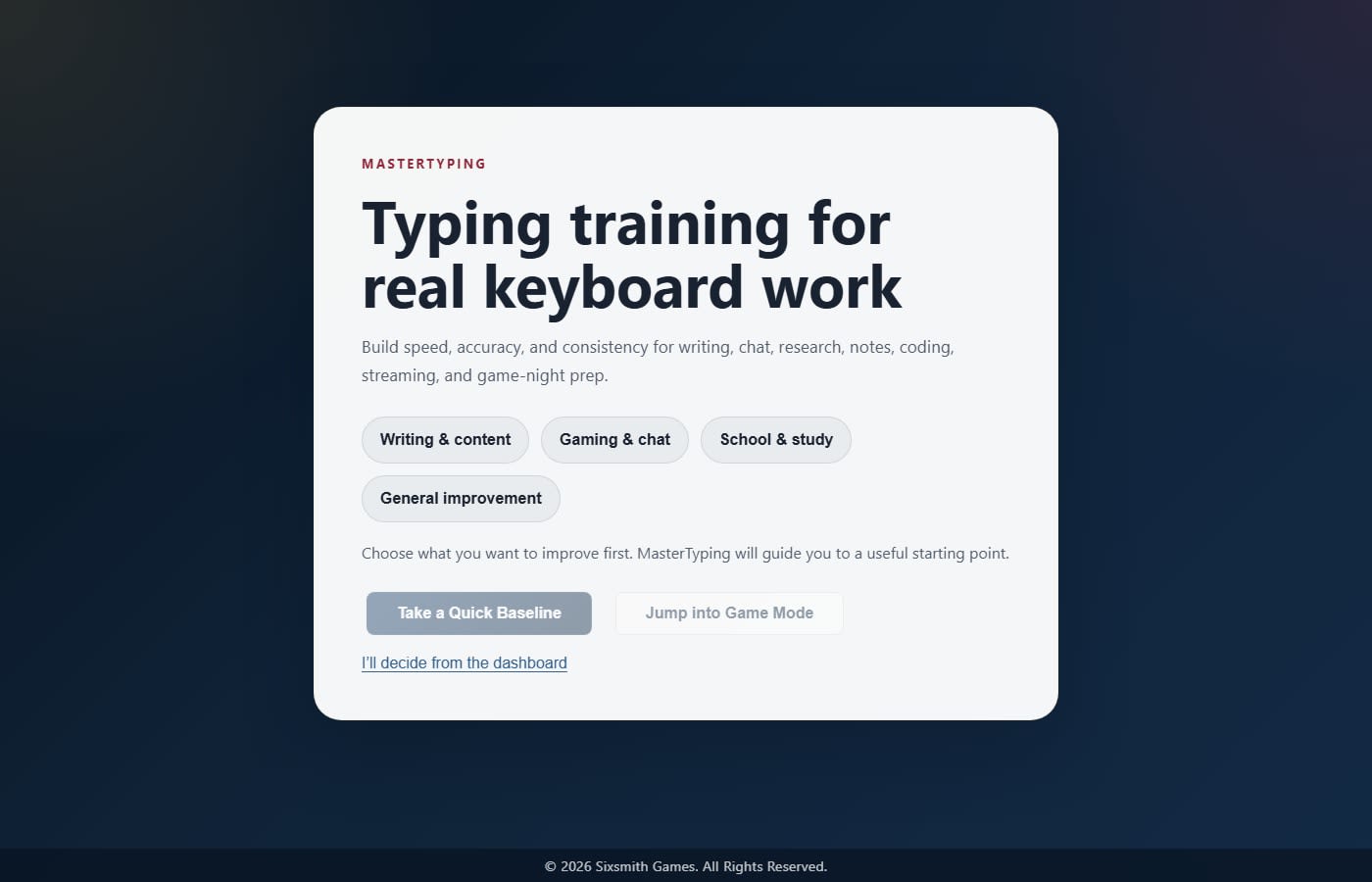


Assessment mode
Use a structured assessment flow to identify weak spots instead of guessing what kind of practice should come next.
MasterTyping is a typing practice app built for people who want real typing improvement but do not want practice to feel lifeless. MasterTyping combines assessments, drills, focused exercises, and a game mode so you can build skill through repetition without turning the experience into a worksheet.
MasterTyping is not a novelty typing toy, and it is not a generic educational suite. MasterTyping is a skill-building typing trainer that uses game-like progression, characters, and modes to make practice more sustainable.
That makes the audience broader than one age bracket but narrower than "everyone who uses a computer." MasterTyping is best for people who want typing practice that feels structured, useful, and engaging enough to stick with.
MasterTyping is for adults, students, writers, developers, gamers, and other keyboard-heavy users who want typing improvement that feels practical rather than childish.
MasterTyping is for people who benefit from a clear improvement loop: assess the weak spots, practice the right drills, and return to a game mode or challenge mode that keeps repetition from going stale.
MasterTyping is for anyone who wants a typing practice game that still takes skill building seriously.
Many typing tools fail in one of two ways: they are so dry that people stop practicing, or they are so novelty-driven that the actual skill-building loop gets buried. MasterTyping aims for the middle ground where the practice is real and the experience still feels motivating enough to keep going.
Typing improvement also stalls when you do not know what to fix. MasterTyping addresses that by pairing assessments and targeted exercises with multiple modes, so you have a clearer path from a weak spot to a better habit.
These product screenshots show the actual MasterTyping interface near the features and workflows they support.
Use a structured assessment flow to identify weak spots instead of guessing what kind of practice should come next.
Run targeted exercises that focus on the exact patterns or skill gaps surfaced by the assessment results.
Practice with a stricter, skill-focused mode when you want a more direct speed-and-accuracy training loop.
Use characters, themed prompts, light progression, and game-like rewards to make repeated practice easier to sustain.
Review recent performance and mode-level progress so typing practice feels cumulative instead of disposable.
Keep the core practicing accessible, but premium is available for deeper tracking and extended history.
MasterTyping is a free core training product with an optional $1.99 per month premium layer. You get assessments, drills, practice, and game mode up front. The paid tier comes later, if you want it.
The premium layer is about retained history and deeper tracking, not locking the basic practice loop. Build skill first, decide later whether the premium layer is worth it for you.
MasterTyping is a typing practice app that combines assessments, drills, exercises, and game-like progression. MasterTyping is built to improve speed, accuracy, and consistency without making practice feel dead.
MasterTyping is for people who want typing improvement through a useful practice loop. That includes adults, students, writers, developers, gamers, and other users who spend real time on a keyboard and want a more engaging way to build skill.
MasterTyping works for both, but it is not a kids-only typing toy. MasterTyping is built for adults and older students who want practical typing improvement, while still being approachable enough for younger users who like a game-supported format.
MasterTyping pairs assessment with targeted practice. Instead of repeating random drills, you identify weak patterns, move into focused exercises or Pro mode, and then keep the repetition sustainable through game mode and progression.
The premium layer adds retained history and deeper tracking rather than locking the core practice loop. The benefit is better progress visibility and long-term review.
MasterTyping uses game mode because sustained practice matters. The game layer gives you a reason to keep typing, while the assessment and exercise modes make sure the underlying work still supports real skill building.
See current pricing and how to get started with MasterTyping.
Open the official MasterTyping app or play experience.
Read getting-started notes, core features, common use cases, and current scope for MasterTyping.
Reach the Sixsmith Games support team for help, product questions, and contact details.
MasterTyping is a browser-based typing practice app that combines assessments, drills, and game-like progression for real skill building.
Game systems improve typing practice consistency by giving repetition a reason to continue from one session to the next.
Adult typing practice works better when the product respects practical improvement instead of treating the user like a kid.